Public copy versus uploaded original
A platform may remove metadata from the image other people download while still receiving and processing the original upload. If a GPS coordinate or device identifier must not reach the platform, remove it before uploading.
Three different privacy questions
Viewer access asks what another person can download or inspect. Platform processing asks what the service receives or uses while handling your upload. A location tag is separate, visible information you choose to attach to a post. One does not answer the other two.
How this test report works
We created a synthetic JPEG containing known, non-personal test values. It includes a GPS coordinate for a public landmark, a fake camera make and model, a fixed capture time, an artist field, software name, altitude, and the marker PS-METADATA-2026-08-28.
Download the exact test file
Download the EXIF/GPS test JPEG
and keep the expected-fields manifest beside it.
The fixture's SHA-256 is 40c7c22f9d2fba2c3c1200ba81a564fa6f4acfc8f2c6875ca4f38c64fd875aa7.
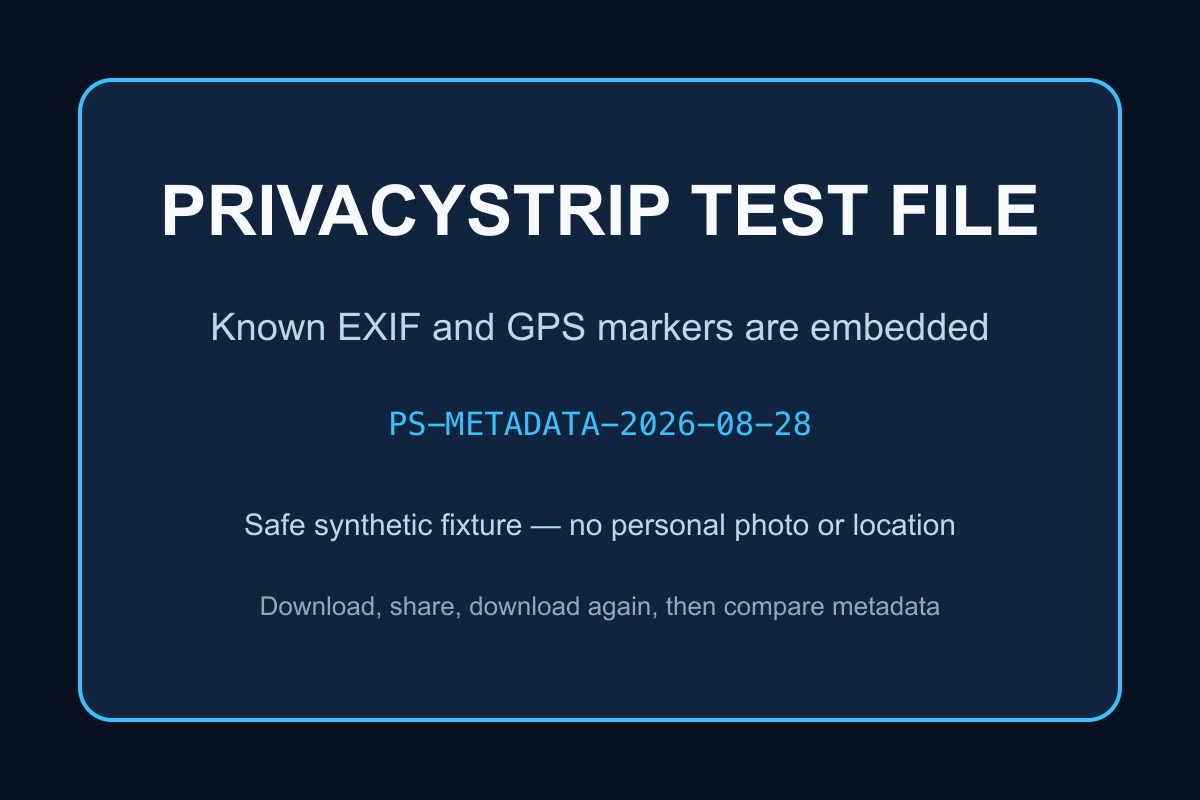
- Confirm the original marker fields with the PrivacyStrip EXIF viewer.
- Upload the file through the exact app, device, and sharing mode you use.
- From a separate recipient account or device, download the attachment or public copy.
- Inspect the received file and compare it with the manifest.
- Record the app version, operating system, sharing mode, received format, dimensions, file size, and fields that survived.
Evidence rule: the matrix below reports a result only when a platform documents it. “Not documented” is an honest finding, not proof that metadata survives or is removed. The downloadable fixture makes recipient-side tests repeatable, but those tests cannot reveal what a platform received, retained, or derived before producing the public copy.
2026 platform metadata results
Primary-source review completed August 28, 2026. Platform processing changes, sometimes by client or network mode, so verify a sensitive workflow again after a major app update.
| Platform | Published evidence | Recipient-copy conclusion | Upload-side conclusion | Official source |
|---|---|---|---|---|
| X | X says it reads EXIF for location suggestions and analytics and retains it temporarily to process a photo. | Documented: X says EXIF is not available to people viewing the photo. | Platform receives it. Clean first if that matters. | X photo policy |
| Instagram / Facebook | The cited help material covers image resizing and visible location controls, not a field-by-field EXIF policy. | Not documented. Test the downloaded public copy. | Not documented. Resizing is not proof of pre-upload privacy. | Instagram location help · Facebook location help |
| WhatsApp / Signal | Photo and attachment/file workflows are distinct; no durable field-by-field guarantee covers every client and mode. | Mode-dependent and not guaranteed. Test photo and file sends separately. | Not established by a recipient test. | WhatsApp Help Centre · Signal Support |
| Discord | Discord documents images as uploaded file attachments. Its engineering team says attached images are inspected, converted, and resized for display. | No EXIF guarantee. A transformed preview and downloadable attachment may not be the same representation. | Discord receives the upload. Its privacy policy includes uploaded content and shared files. | Discord uploads · Discord image pipeline |
| TikTok / LinkedIn | No field-by-field EXIF-removal guarantee is cited here. | Not documented. Test the exact photo or document path. | Not documented. Remove sensitive fields first. | TikTok Support · LinkedIn Help |
Inspect, clean, then share
Check a photo's hidden fields first, remove sensitive metadata locally, then upload a clean copy to any platform.
Inspect EXIF Data Remove Metadata Before PostingDetailed platform guides
This page compares policies. Use the dedicated guides for platform-specific answers and sharing workflows:
- X/Twitter EXIF guide: what X officially says it reads, retains, and exposes
- Instagram EXIF guide: image resizing, location tags, and the undocumented fields
- WhatsApp EXIF guide: normal photo sends versus document/file sharing
- Signal EXIF guide: photo sharing versus file sharing
- Discord EXIF guide: attachments, image previews, GPS risk, and a reproducible check
Platform-by-platform details
📘 Facebook (Meta)
What Facebook documents
- People can add, edit, or remove a visible location associated with their own post or photo.
- Facebook accepts and processes uploaded images in several formats.
- Its public help pages do not promise removal of every embedded EXIF field for every upload path.
Practical rule: removing a visible location tag after posting is not evidence that the original upload never contained GPS metadata.
📷 Instagram (Meta)
What Instagram documents
- Instagram resizes photos outside its supported dimensions.
- A user-added post location can be added, edited, or removed separately.
- Its public help pages do not provide a field-by-field EXIF removal guarantee.
Practical rule: do not confuse Instagram's image resizing or visible location controls with a guarantee that the platform never receives EXIF data.
🐦 X (formerly Twitter)
What X explicitly says
- X can read photo EXIF data to suggest locations when location services are enabled.
- X uses EXIF data for analytics about whether media was captured with the device camera.
- X retains EXIF temporarily for processing and says it is not available to people viewing the photo.
This is the clearest published policy in the group: viewers do not receive the EXIF data, but X still processes it. A separately enabled post location can also expose location information.
💬 WhatsApp and Signal
Sharing mode matters
- Sending an image through a normal photo workflow may transform or compress it.
- Sending the same item as a document or file is intended to preserve more of the original file.
- Neither service provides a durable, field-by-field guarantee covering every client, version, and sharing path.
Practical rule: when metadata matters, test the exact sending mode or clean the file before attaching it.
See the dedicated guides for WhatsApp photo metadata and Signal photo metadata.
🎮 Discord
Attachments and previews answer different questions
- Discord's help centre describes a photo as a file uploaded into a message.
- Discord's engineering team says it inspects attached images and can convert or resize them for display.
- Neither source promises that every EXIF or GPS field is removed from every downloadable attachment.
Practical rule: do not use a clean-looking preview as proof that the downloadable attachment or Discord's received upload was clean.
Documents require extra care
- LinkedIn accepts both images and business documents.
- Office and PDF files can contain author, company, software, and revision metadata.
- LinkedIn does not publish a comprehensive metadata-removal guarantee for uploads.
🎵 TikTok
Limited public detail
- TikTok's public support material discusses location services and post location features.
- It does not provide a reliable field-by-field guarantee for photo, video, or audio metadata removal.
- Video containers can carry metadata that differs from photo EXIF.
How to record a result others can reproduce
Minimum test record
- Original: fixture SHA-256 and expected-fields manifest.
- Sender: platform, app version, OS, device, and network mode.
- Path: photo picker, drag-and-drop, camera capture, document/file, or public post.
- Recipient: app or browser used to download the viewer-facing copy.
- Output: file type, pixel dimensions, file size, checksum, and every surviving metadata field.
Repeat each path at least twice. If two clients disagree, report both instead of collapsing them into a single yes/no answer.
Why You Should Still Strip Metadata Yourself
🛡️ Defense in Depth
- Policy Independence: Protect yourself regardless of platform policies
- Multi-Platform Sharing: Same clean file works everywhere
- Direct Sharing: Avoid relying on an app to transform the file
- Future-Proofing: Protection against policy changes
📋 Platform-Agnostic Best Practices
- Always pre-process: Use PrivacyStrip before uploading anywhere
- Turn off location services: Prevent GPS embedding at source
- Review platform settings: Disable location tagging features
- Monitor policy changes: Stay informed about platform updates
- Audit your content: Periodically check what's been shared
🔒 Take Control of Your Metadata
Don't rely on social media platforms to protect your privacy. Clean your photos before sharing them anywhere online.
Clean a Photo Before PostingFAQ
Which social media platforms remove EXIF metadata?
There is no single rule across every platform and sharing mode. X documents temporary EXIF processing, while the other platforms in this comparison do not publish one field-by-field guarantee covering every upload path.
Is the public image the same as the file a platform receives?
Not necessarily. A platform can transform the viewer-facing copy after receiving and processing the original upload. Testing a downloaded copy only shows what a viewer receives.
Can sending a photo as a document preserve metadata?
Yes. File or document sharing is designed to preserve more of the original file than a normal photo workflow, so it can also preserve embedded metadata.
Does Discord remove EXIF and GPS data from photos?
Discord does not publish a field-by-field removal guarantee for every image attachment. Its documentation confirms that it receives uploaded files and that its image pipeline can inspect and transform images for display. Strip EXIF and GPS before upload rather than relying on the preview.
What is the safest workflow before posting a photo?
Inspect and remove sensitive metadata before upload, avoid adding a manual location tag, and check the visible image for landmarks, addresses, or other location clues.
Conclusion: remove metadata before upload
Viewer-facing copies often differ from the original upload, and sharing modes can produce different results. Platform documentation also changes. Cleaning the file first — remove metadata from photos or remove GPS data from photos — is the only approach that prevents embedded metadata from being included in the upload itself.
Sources
- X Help: How to post photos or GIFs
- X Help: Post location FAQs
- Instagram Help: Image resolution of shared photos
- Instagram Help: Add or edit a post location
- Facebook Help: Edit or remove a photo location
- Discord Help: Upload images and GIFs
- Discord Engineering: Modern image formats and image processing
- Discord Privacy Policy
Remember: Your privacy is too important to leave in someone else's hands.