What Discord actually documents
Discord's help centre calls photos file attachments: you select a file, add it to a message, and upload it. Discord's privacy policy likewise says user-created content includes uploaded content and files shared through the service.
Discord's API documentation provides a second piece of the puzzle: an attachment can expose a url, described as the file's source URL, and a separate proxy_url. Discord's engineering team also documents image infrastructure that inspects, converts, and resizes images for display.
Transformation is not a privacy guarantee
Image inspection, conversion, or resizing can change metadata, but Discord does not promise that every EXIF, XMP, IPTC, or GPS field is removed from every source attachment or proxy copy. A transformed preview also does not tell you what Discord received from the sender.
Can another Discord user find GPS data?
If a recipient can download a file containing GPS metadata, they can inspect fields such as GPSLatitude, GPSLongitude, altitude, capture time, camera model, or software. Discord's preview does not display those fields on screen, but a preview is not the right thing to test: the downloaded attachment is.
The safe conclusion is therefore narrower than a simple yes or no:
- Discord receives the uploaded file. Cleaning it afterward cannot change what was already sent.
- Discord may create transformed image representations. Those may differ from the attachment a user downloads.
- Discord publishes no complete removal guarantee. Treat GPS and device metadata as present until you remove or verify it.
Test Discord with a controlled EXIF photo
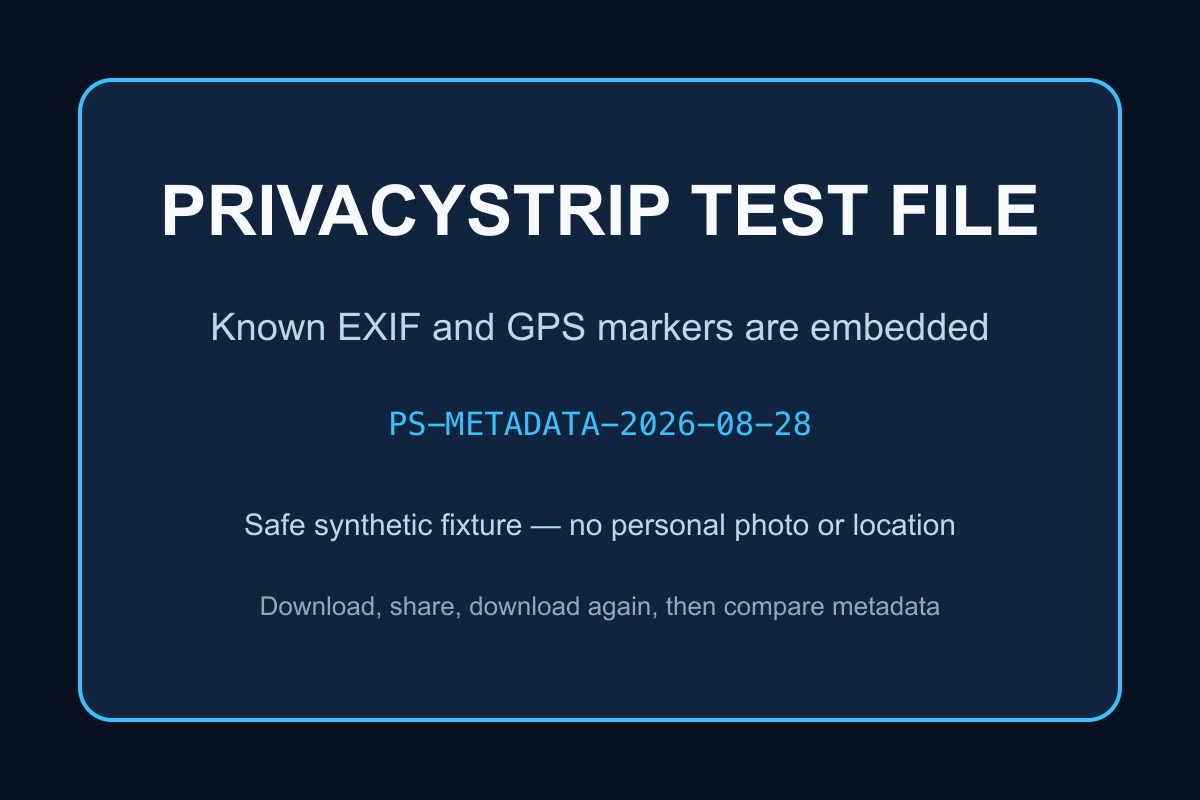
PrivacyStrip created a synthetic JPEG specifically for repeatable recipient-side testing. It contains fake camera details, a fixed date, an obvious marker, and coordinates for a public landmark—never a person's private location.
Discord attachment test
- Download the PrivacyStrip metadata test JPEG.
- Confirm its expected fields with the EXIF viewer or its JSON manifest.
- Upload the JPEG to a private test conversation or server channel you control.
- On another account or device, use Discord's attachment download control. Do not save only the on-screen preview.
- If you can inspect the authorized Attachment Object, save both its source
urlandproxy_urlartifacts separately. - Inspect every received file and record which fields survived.
Record: Discord client and version, OS, upload method, data-saving setting, original and received checksums, dimensions, file sizes, and metadata fields.
This test answers what that recipient received through that particular workflow. It cannot prove which fields Discord read, derived, temporarily retained, or stored internally.
Why Discord tests can disagree
Two honest tests can produce different files because the path matters:
- Desktop drag-and-drop versus a mobile photo picker
- Wi-Fi versus mobile data with Data Saving Mode enabled
- A static JPEG versus HEIC, animated WebP, AVIF, PNG, or video
- Opening a generated preview versus downloading the attachment
- Client-side changes and server-side image pipeline updates
Discord specifically documents that mobile Data Saving Mode can reduce image quality on cellular connections. That is another reason to report the exact client and settings rather than presenting one upload as a permanent platform rule.
How to remove GPS and EXIF before Discord
- Open the PrivacyStrip EXIF remover.
- Select the photo you plan to share. It stays in your browser.
- Review any GPS coordinates, timestamps, device details, or embedded thumbnails detected.
- Remove the metadata and download the cleaned copy.
- Inspect the cleaned file once more, then upload that copy to Discord.
Send the clean file, not the original
Remove EXIF and GPS locally before the attachment reaches Discord.
Remove EXIF Before DiscordOther location clues EXIF removal cannot fix
Metadata cleaning protects hidden fields, but the visible pixels can still reveal a home number, street sign, school logo, landmark, vehicle plate, reflection, or computer screen. Discord can also expose contextual information such as the server, channel, message time, username, and anything written beside the attachment.
FAQ
Does Discord remove EXIF data from photos?
Discord does not publish a field-by-field guarantee covering every photo attachment and client. Do not infer complete EXIF removal from a resized preview.
Does Discord remove GPS location from photos?
Discord's public documentation does not promise removal of every GPS field. Strip GPS before upload if the location is sensitive.
Can people see photo metadata on Discord?
A preview does not show an EXIF inspector. However, anyone able to download an attachment can inspect whatever metadata remains in the file they receive.
What is the safest way to share a photo on Discord?
Inspect and clean the file locally, verify the cleaned copy, then upload that copy. Also review visible clues and the audience for the channel or direct message.